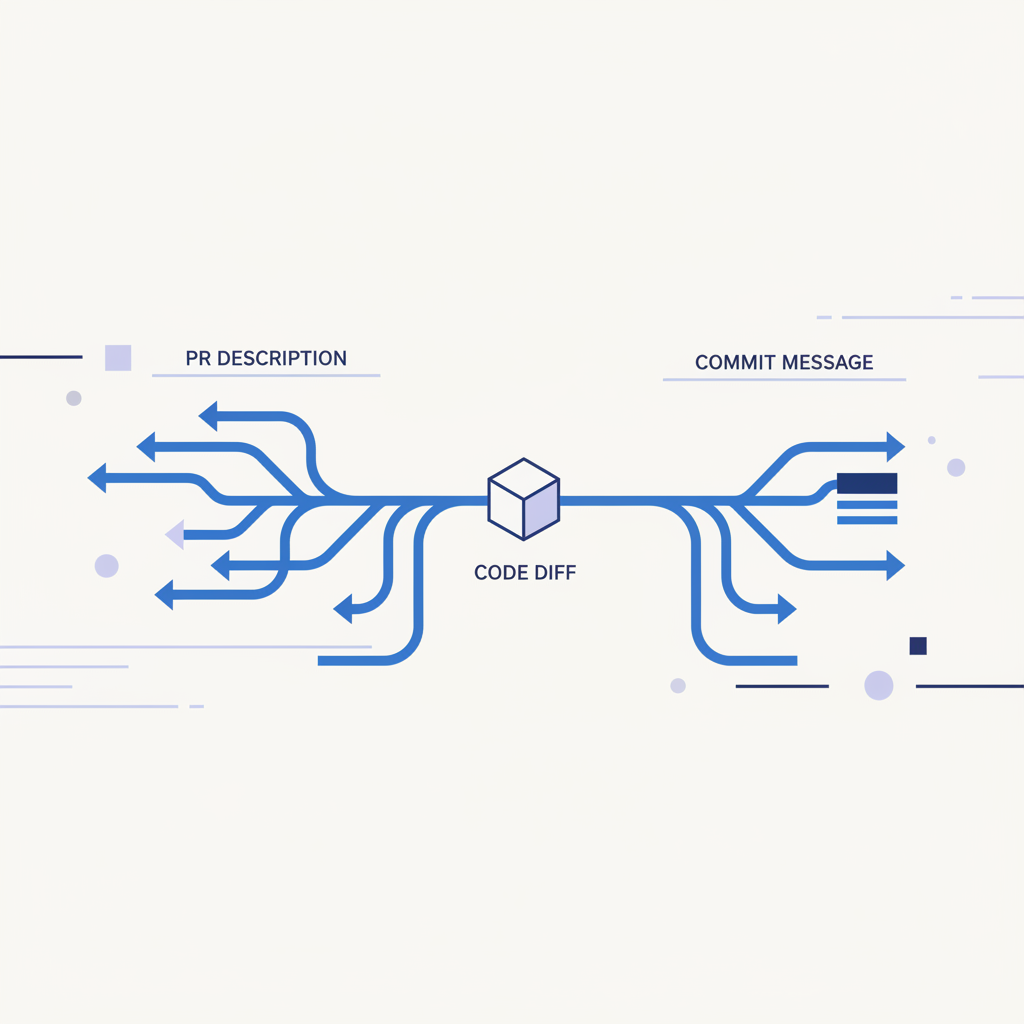
The Unsung Heroes: What to Put in a PR Description vs. Commit Message
As engineers, we live and breathe code. We write it, we review it, and we push it. But often, the documentation surrounding that code – the commit messages and pull request descriptions – becomes an afterthought. We've all seen the "fix bug" commit or the blank PR description. They're productivity killers, review bottlenecks, and future-self tormentors.
Understanding the distinct purpose of commit messages and PR descriptions isn't just about good hygiene; it's about efficient collaboration, robust historical records, and ultimately, shipping better software faster. Let's break down what belongs where.
The Atomic Truth: What Belongs in a Commit Message
Think of a commit message as the changelog entry for a single, atomic unit of work. Each commit should be a self-contained, logical change. If you need to revert something, you should be able to revert a single commit without breaking everything else.
The primary audience for a commit message is future you, your teammates, and anyone who might git blame a line of code months or years down the line. It's a permanent part of your project's history.
Structure and Content
A good commit message typically follows a conventional structure:
-
Subject Line (first line):
- Concise and Imperative: Summarize the change in 50-72 characters. Start with an imperative verb (e.g., "Add," "Fix," "Refactor," "Update").
- Example:
feat: Add user profile page with basic info - Bad Example:
user stufforAdded the new user profile page for the project.(too vague, not imperative)
-
Blank Line: A single blank line separates the subject from the body. This is crucial for
git logand other tooling. -
Body (optional, but highly recommended):
- Explain the "Why": This is the most important part. Why was this change necessary? What problem does it solve? What motivated the decision?
- Describe the "How" (at a high level): Briefly explain the approach or key changes if it clarifies the "why." Do not just repeat the diff. The diff shows what changed; the commit message explains why it changed that way.
- Context: Mention related issues or tickets (e.g.,
fixes #123,closes JIRA-456). - Avoid:
- Details easily visible in the diff (e.g., "changed variable
xtoy"). - Marketing fluff or conversational language.
- Information that will quickly become stale (e.g., "This is a temporary fix for now").
- Details easily visible in the diff (e.g., "changed variable
Concrete Example:
feat: Implement caching for API responses

This commit introduces a Redis-based caching layer for frequently accessed API endpoints,
specifically `/api/v1/products` and `/api/v1/categories`.

The goal is to reduce database load and improve response times for read-heavy operations,
addressing performance bottleneck identified in issue #789.

Caching is implemented with a 5-minute expiry, and a cache-aside pattern is used.
Invalidation will be handled by a separate background job on data updates.

See also: #789 for performance metrics.
Pitfalls to Avoid:
- Too many changes in one commit: If you find your commit message body becoming a mini-essay describing multiple unrelated features or bug fixes, you likely need to break it down into smaller, more focused commits.
- "WIP," "fix," or blank messages: These are useless for historical context. Imagine debugging a production issue two years from now and seeing "fix bug" – you'll regret it.
- Duplicating PR description content: Your commit message should stand alone, not rely on the PR description for context.
The Grand Narrative: What Belongs in a PR Description
A Pull Request (PR) description is your opportunity to tell the complete story of your changes to your reviewers. Its primary audience is your teammates during the review process. It's a collaborative document that helps others understand, evaluate, and provide feedback on your work.
Unlike commit messages, PR descriptions are not immutable. They can and should be updated as the review progresses, new insights emerge, or changes are made.
Structure and Content
A good PR description acts as a comprehensive guide for your reviewers. Aim for clarity and completeness.
-
Summary/Overview:
- What this PR does: A high-level, human-readable summary of the overall goal of the PR. What problem does it solve, or what feature does it add?
- Example: "This PR implements asynchronous processing for user-uploaded images using AWS SQS and Lambda, replacing the synchronous direct upload."
-
Problem Statement/Context:
- Why this PR exists: Clearly articulate the problem or user story this PR addresses. Explain the existing pain points or the new functionality being introduced. Reference issue trackers like Jira or GitHub issues.
- Example: "Currently, image uploads are synchronous and can lead to long load times or timeouts for large files, degrading user experience (UX-123). This also ties up web server resources unnecessarily."
-
Solution/Approach:
- How this PR solves the problem: Describe the technical approach taken. What are the key architectural changes? What services are involved? What major components were touched?
- Example:
- Frontend now uploads directly to an S3 bucket with pre-signed URLs.
- S3 event notifications trigger an SQS message for each new upload.
- A new AWS Lambda function consumes messages from the SQS queue, processes the images (resizing, watermarking), and updates the database with the new image URLs.
-
Technical Details / Trade-offs:
- Specific implementation choices: Any non-obvious design decisions, libraries used, or configuration changes.
- Alternatives considered: Briefly mention other approaches you thought about and why you chose this one.
- Example: "We opted for SQS over SNS for message queuing due to its guaranteed delivery and built-in dead-letter queue capabilities, simplifying error handling for failed image processing. Used
Pillowfor image manipulation in Lambda."
-
Test Plan / How to Test:
- Crucial for reviewers: Provide clear, step-by-step instructions on how to manually test the changes.
- Mention automated tests: Confirm that unit, integration, or end-to-end tests have been added or updated.
- Example:
- Navigate to the
/uploadpage. - Upload a large
.pngfile (e.g., >5MB). - Verify that the image appears in the gallery after 5-10 seconds, correctly resized and watermarked.
- (Optional) Check CloudWatch logs for the `
- Navigate to the