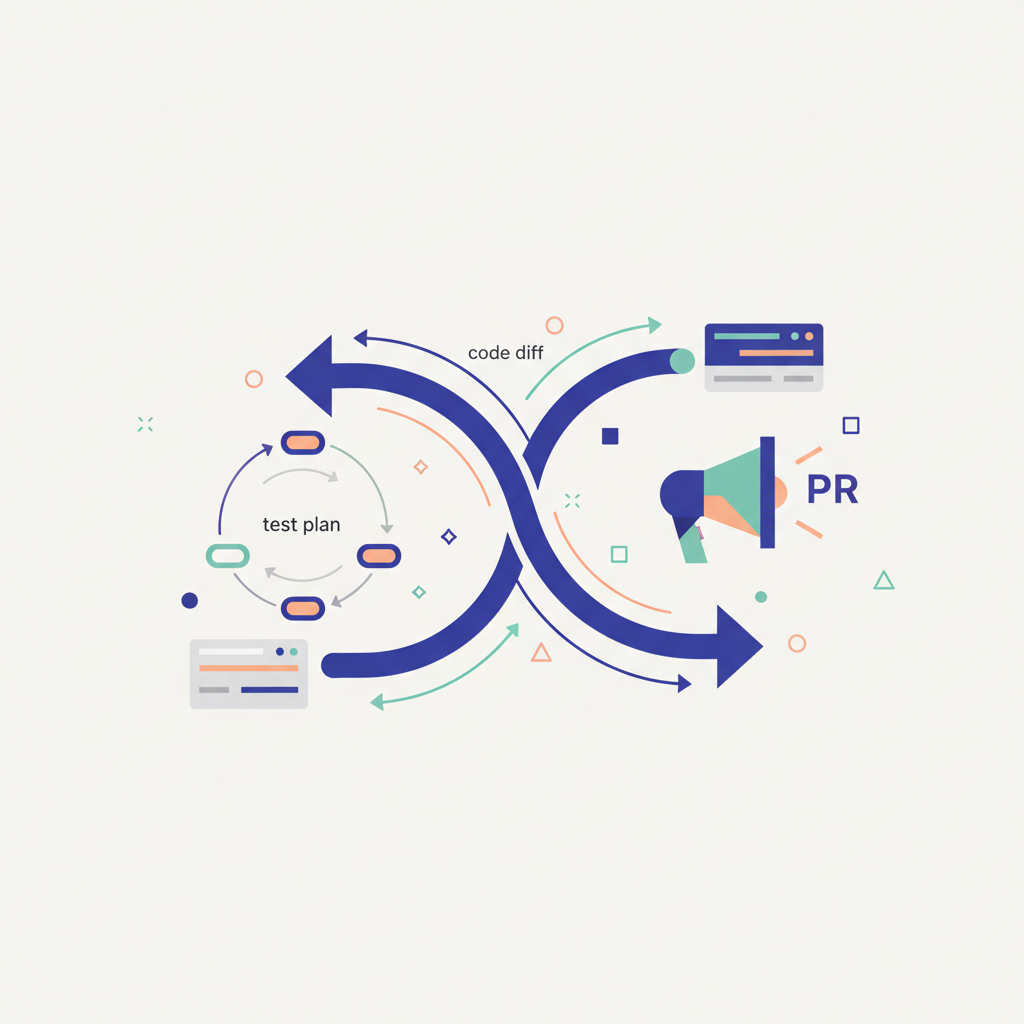
The Unsung Hero: Why Your PR Needs a Solid Test Plan (and How to Write One)
You’ve just pushed a new feature, fixed a tricky bug, or refactored a critical component. You open a pull request, write a concise summary, maybe add a few screenshots, and hit "Create." Then you wait. And wait. Eventually, a reviewer pings you: "How do I test this?" or "I tried to run it, but I'm getting an error with the database setup." Sound familiar?
This back-and-forth isn't just annoying; it's a productivity killer. It slows down development cycles, introduces friction into the review process, and can even lead to bugs slipping through the cracks because reviewers aren't sure how to thoroughly verify your changes.
The solution? A well-crafted test plan section in your pull request description. It's an unsung hero that transforms your PR from a black box into a clear, verifiable unit of work.
What Even Is a Test Plan in a PR?
Forget the exhaustive, multi-page QA documents. A test plan in a PR context is a concise, actionable set of steps designed to guide anyone (your reviewer, a QA engineer, or even your future self) through verifying the functionality you've changed or added.
It's not about documenting every possible test case for the entire application. Instead, it focuses specifically on the scope of your pull request. It answers the fundamental question: "How can someone quickly and reliably confirm that this change works as intended and hasn't introduced regressions?"
Why is this crucial? * Faster Reviews: Reviewers spend less time guessing how to test and more time on the actual code and logic. * Reduced Friction: Fewer comments asking for clarification on testing steps. * Improved Quality: Ensures that critical paths, edge cases, and potential regressions are explicitly considered and tested. * Better Documentation: The PR itself becomes a valuable piece of historical documentation for future debugging or refactoring.
The Core Components of an Effective Test Plan
A good test plan doesn't need to be complex, but it should cover a few key areas:
- Setup/Prerequisites: What needs to be in place before testing can even begin? This is often overlooked but critical.
- Specific environment variables (
ENV_VAR=value). - Local services that need to be running (e.g.,
docker-compose up,npm run dev, database instances). - Any specific data needed in the database (e.g., "ensure user 'test@example.com' exists with role 'admin'").
- Browser/OS specifics if relevant.
- Specific environment variables (
- Test Scenarios/Steps: These are the actual actions the tester should take. Think of it as a mini-tutorial.
- Happy Path: The primary, expected flow of interaction.
- Edge Cases/Failure Modes: What happens when inputs are invalid, limits are reached, or expected conditions aren't met?
- Regression Considerations: If your change touches existing functionality, briefly mention how to ensure that functionality still works.
- Expected Results: For each step or scenario, clearly state what should happen.
- UI changes (e.g., "The button should turn green and display 'Saved'").
- API responses (e.g., "API call should return a 200 OK with a
{ 'status': 'success' }payload"). - Database state (e.g., "A new record should appear in the
userstable"). - Log output (e.g., "Error logs should show
UserValidationFailed").
- Verification: How can the tester confirm the expected results?
- "Check the browser console for network requests."
- "Query the
orderstable in the database." - "Observe the UI for the new component."
Real-World Examples: Bringing It to Life
Let's look at a couple of concrete examples to illustrate how you might structure these test plans.
Example 1: Backend API Change - New User Registration Endpoint
Imagine you're adding a new /api/v1/register endpoint to a Node.js Express application that stores users in MongoDB.
```markdown
Test Plan
Setup/Prerequisites:
* Ensure local MongoDB instance is running (docker-compose up db).
* Start the API server (npm start).
* You can use curl or Postman/Insomnia for API requests.
Scenarios:
-
Happy Path: Successful Registration
- Steps:
- Send a
POSTrequest to/api/v1/registerwith validemail,password, andusername. - Example
curlcommand:bash curl -X POST -H "Content-Type: application/json" \ -d '{"email": "newuser@example.com", "password": "StrongPassword123!", "username": "NewUser"}' \ http://localhost:3000/api/v1/register
- Send a
- Expected Results:
- HTTP Status:
201 Created. - Response Body:
{ "message": "User registered successfully", "userId": "..." }. - Verification:
- Check the response body.
- Verify a new user document exists in the
userscollection in MongoDB. (e.g.,mongo > use myapp_db; db.users.findOne({ email: "newuser@example.com" })).
- HTTP Status:
- Steps:
-
Edge Case: Missing Required Fields
- Steps:
- Send a
POSTrequest to/api/v1/registeromitting theemailfield. - Example
curlcommand:bash curl -X POST -H "Content-Type: application/json" \ -d '{"password": "Password123!", "username": "MissingEmail"}' \ http://localhost:3000/api/v1/register
- Send a
- Steps: