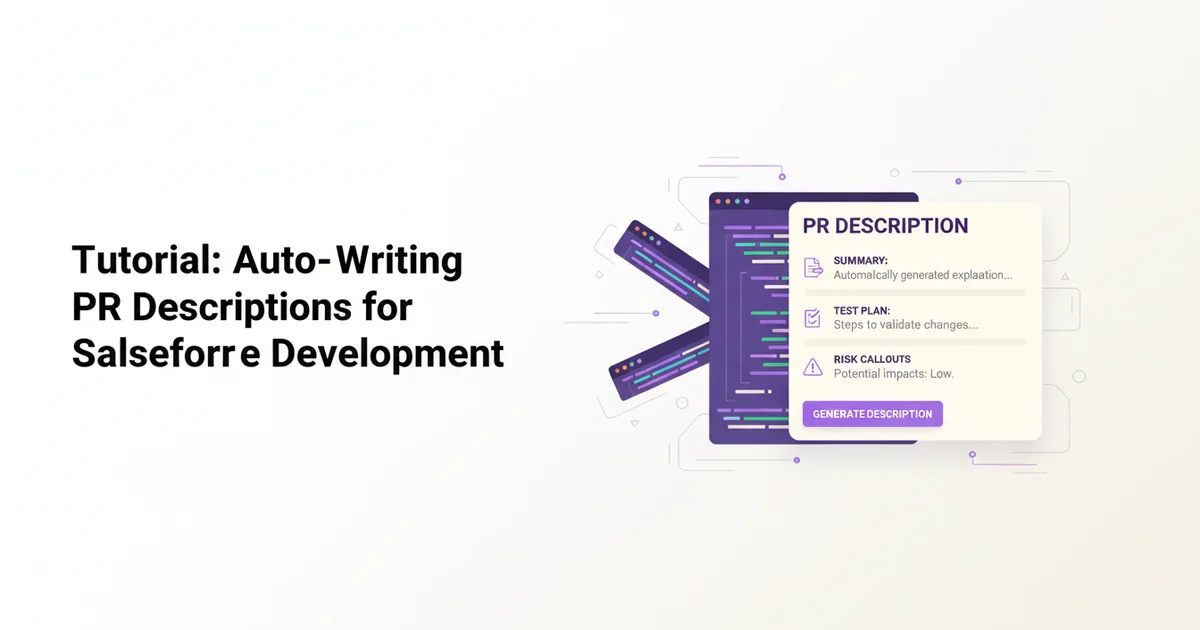
Tutorial: Auto-Writing PR Descriptions for Salesforce Development
If you're a Salesforce developer, you know the drill. You've just spent hours, maybe days, perfecting that Apex trigger, refining an LWC component, or meticulously configuring a complex Flow. The code is clean, the tests pass, and you're ready to push to your feature branch. Then comes the moment of truth: writing the Pull Request (PR) description.
For many, this is a tedious chore. You're tired, you want to move on, and the thought of summarizing your changes, outlining a comprehensive test plan, and anticipating potential risks feels like an unnecessary hurdle. Yet, a well-written PR description is crucial. It's the primary communication tool for your reviewers, a vital piece of documentation for future maintenance, and a safeguard against botched deployments.
Salesforce development, with its mix of Apex code, Lightning Web Components (LWC), Visualforce, Flows, custom objects, permission sets, and a myriad of metadata XML files, amplifies this challenge. The diff alone often doesn't tell the full story. This is where Pullscribe comes in, transforming the PR description chore into an automated, intelligent process.
Why Salesforce PRs Are a Pain (and Why It Matters)
Salesforce projects are unique. Unlike many traditional software stacks, a single feature often touches multiple layers: * Apex classes and triggers: Business logic, database interactions. * Lightning Web Components (LWC) / Aura Components: Frontend UI, user experience. * Flows / Process Builders: Declarative automation. * Custom Objects / Fields: Data model changes. * Permission Sets / Profiles: Access control. * Layouts / Flexipages: UI presentation. * Static Resources / Experience Cloud assets: Branding, external libraries.
A typical Salesforce PR might include changes across several of these categories, all bundled within a force-app directory. A simple bug fix could involve a one-line Apex change, an updated LWC controller, and a new custom permission. Manually articulating how these pieces fit together, what the user impact is, and how to thoroughly test it can be exhaustive.
Without a clear PR description, you risk: * Delayed reviews: Reviewers struggle to understand the intent or scope. * Missed bugs: Incomplete test plans lead to regressions. * Deployment issues: Lack of clarity on dependencies or post-deployment steps. * Technical debt: Future developers spending more time understanding past changes.
Pullscribe addresses these pains by automatically generating a detailed, structured PR description from your code changes, saving you time and improving quality.
How Pullscribe Works (The Basics)
At its core, Pullscribe analyzes the diff of your Git branch against its base branch. It leverages advanced AI to understand not just what changed, but why it likely changed and what its impact might be. It then synthesizes this information into a structured PR description, typically including:
- Summary: A high-level overview of the changes and their purpose.
- Key Changes: Bullet points detailing specific modifications.
- Test Plan: Step-by-step instructions for reviewers to validate the changes.
- Risk Assessment: Potential issues, side effects, or areas requiring extra attention.
For Salesforce, this means Pullscribe understands Apex, LWC JavaScript, XML metadata, and can infer the implications of changes across these different file types.
Setting Up Pullscribe for Salesforce Projects
Pullscribe integrates directly with your Git workflow. You typically configure it as a pre-receive hook in your Git repository, or as part of your CI/CD pipeline when a PR is opened. For Salesforce projects, there's no special setup beyond what you'd do for any other code repository.
Your Salesforce project structure, typically organized with sfdx or sf CLI, looks something like this:
my-sf-project/
├── .sfdx/
├── force-app/
│   ├── main/
│   │   ├── default/
│   │   │   ├── classes/
│   │   │   ├── lwcs/
│   │   │   ├── objects/
│   │   │   ├── flows/
│   │   │   └── permissionsets/
│   ├── ...
├── sfdx-project.json
├── package.xml
└── .git/
Pullscribe operates on the changes within force-app/ (and any other directories you commit). When you push your feature branch, Pullscribe analyzes the delta between your branch and the target branch (e.g., main or develop).
For example, if you've been working on a new feature branch feature/new-product-wizard and you're about to open a PR into develop, Pullscribe will look at all the files changed between feature/new-product-wizard and develop.
Auto-Writing PR Descriptions: A Salesforce Walkthrough
Let's look at two common Salesforce development scenarios and how Pullscribe interprets them.
Example 1: Updating an Apex Class and Its Test
Imagine you've updated an Apex class responsible for processing an order, adding a new validation rule, and its corresponding test class.
Hypothetical Diff (Simplified):
// force-app/main/default/classes/OrderProcessor.cls
--- a/force-app/main/default/classes/OrderProcessor.cls
+++ b/force-app/main/default/classes/OrderProcessor.cls
@@ -10,6 +10,9 @@
     public static void processOrder(Id orderId) {
         Order__c order = [SELECT Id, Status__c, TotalAmount__c FROM Order__c WHERE Id = :orderId];

+        if (order.TotalAmount__c > 10000 && order.Status__c == 'Pending') {
+            throw new OrderProcessingException('Orders over $10,000 cannot be processed while Pending.');
+        }
         // Existing processing logic...
         order.Status__c = 'Processed';
         update order;
// force-app/main/default/classes/OrderProcessorTest.cls
--- a/force-app/main/default/classes/OrderProcessorTest.cls
+++ b/force-app/main/default/classes/OrderProcessorTest.cls
@@ -20,4 +20,17 @@
         System.assertEquals('Processed', processedOrder.Status__c);
     }

+    @IsTest
+    static void testProcessOrder_HighValuePendingOrderThrowsException() {
+        Order__c highValuePendingOrder = new Order__c(Name = 'Test High Value Order', TotalAmount__c = 12000, Status__c = 'Pending');
+        insert highValuePendingOrder;
+
+        Test.startTest();
+        Boolean caughtException = false;
+        try {
+            OrderProcessor.processOrder(highValuePendingOrder.Id);
+        } catch (OrderProcessor.OrderProcessingException e) {
+            caughtException = true;
+        }
+        System.assert(caughtException, 'Expected OrderProcessingException for high-value pending order.');
+    }
 }
Pullscribe's Generated PR Description might look like this:
Summary:
This PR introduces a new validation rule in the OrderProcessor Apex class to prevent high-value orders (over $10,000) from being processed while their status is 'Pending'. A corresponding test case has been added to OrderProcessorTest to ensure this new validation logic functions as expected.
Key Changes:
* OrderProcessor.cls: Added a new conditional check within processOrder to throw an OrderProcessingException if an order's TotalAmount__c exceeds $10,000 and its Status__c is 'Pending'.
* OrderProcessorTest.cls: Added testProcessOrder_HighValuePendingOrderThrowsException to verify the new exception handling for high-value pending orders.
Test Plan:
1. Automated Tests:
* Ensure all Apex tests pass by running sf apex run test -c -r RunLocalTests.
* Verify the code coverage for OrderProcessor remains above the organization's threshold