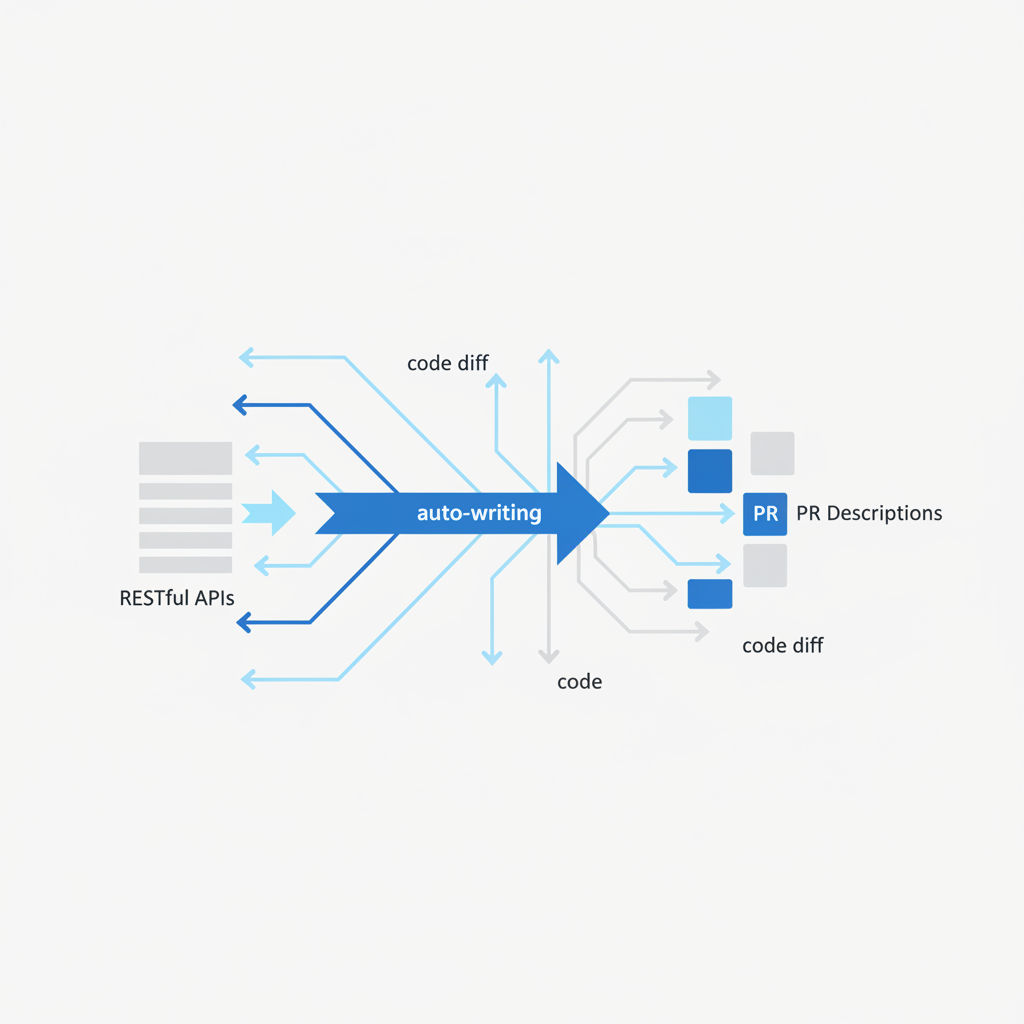
Tutorial: Auto-Writing PR Descriptions for RESTful APIs
As engineers building and maintaining RESTful APIs, we know the drill: design, implement, test, and then... document. The "document" part often feels like an afterthought, especially when it comes to writing pull request descriptions. Yet, a well-crafted PR description for an API change is crucial. It informs reviewers about new endpoints, schema modifications, authentication changes, and potential risks, speeding up review cycles and preventing post-merge headaches.
The problem is, writing these detailed descriptions is time-consuming. You have to manually sift through your diff, identify every change to an endpoint, describe its impact on consumers, outline a test plan, and consider potential risks. This is where Pullscribe comes in. Designed to understand your code changes, Pullscribe can auto-write comprehensive PR descriptions, complete with summaries, detailed test plans, and risk assessments. This tutorial focuses on how it helps specifically with RESTful API changes.
What Makes a Good RESTful API PR Description?
Before we dive into how Pullscribe helps, let's establish what an ideal PR description for an API change should cover. When you're modifying an API, your description needs to serve multiple audiences: your team, QA, and potentially external API consumers.
Here are the key elements:
- Summary: A high-level overview of the change. Is it a new API, a modification to an existing one, or a bug fix?
- Endpoint Details:
- HTTP Method & Path: Clearly state the method (GET, POST, PUT, DELETE, PATCH) and the full path (e.g.,
/api/v1/users/{id}). - Request Body/Query Parameters: If applicable, describe the expected structure, required fields, and data types.
- Response Body: Detail the structure of the successful response, including new or modified fields, their types, and examples.
- Status Codes: List all possible HTTP status codes, especially new ones or changes to existing ones (e.g., 200 OK, 201 Created, 400 Bad Request, 404 Not Found, 500 Internal Server Error).
- HTTP Method & Path: Clearly state the method (GET, POST, PUT, DELETE, PATCH) and the full path (e.g.,
- Schema Changes: Explicitly call out additions, removals, or modifications to fields in request or response payloads. Note if these are breaking changes.
- Authentication/Authorization: If the change impacts security, describe new requirements or modifications to existing auth mechanisms (e.g., new scopes, different token requirements).
- Error Handling: Are there new error responses? Changes to existing error formats or messages?
- Test Plan: Provide clear, actionable steps for reviewers and QA to verify the changes. This often includes
curlcommands, Postman/Insomnia instructions, or integration test scenarios. - Risk Assessment: What could go wrong? Consider backward compatibility, performance implications, security vulnerabilities, or potential side effects on other parts of the system.
Manually compiling all this information for every PR is daunting, and often, we skip details in the rush to get code merged.
How Pullscribe Helps with API Changes
Pullscribe works by analyzing the diff of your pull request. For RESTful APIs, it's particularly effective because API changes often involve predictable code patterns: new routes, modifications to request handlers, and changes to data models or serialization logic.
Pullscribe's AI understands these patterns across various languages and frameworks (e.g., Express.js, Flask, Spring Boot, Go's net/http, Ruby on Rails, Django REST Framework). It can:
- Identify new or modified routes: By looking at routing configurations.
- Infer request/response schemas: By analyzing how data is parsed from requests and serialized for responses, often correlating with data model definitions.
- Detect changes in status codes or error handling: By examining conditional logic and response builders.
- Suggest a test plan: By formulating
curlcommands or describing API interactions based on the inferred endpoint details. - Highlight potential risks: Such as backward compatibility issues if fields are removed or types are changed, or performance concerns if new database queries are introduced.
The output Pullscribe provides is structured, giving you a strong starting point that you can review and refine, ensuring all critical API details are covered.
Example 1: Adding a New Endpoint
Let's say you're adding a new POST /api/v1/products endpoint to create a new product. This endpoint expects a JSON payload with name and price and returns the newly created product with an id.
Consider a simplified Node.js Express application:
--- a/src/app.js
+++ b/src/app.js
@@ -10,6 +10,21 @@
     res.send('Hello World!');
 });

+// NEW: Add product creation endpoint
+app.post('/api/v1/products', (req, res) => {
+    const { name, price } = req.body;
+
+    if (!name || !price) {
+        return res.status(400).json({ error: 'Name and price are required' });
+    }
+
+    // In a real app, you'd save to a DB and get an ID
+    const newProduct = { id: Date.now().toString(), name, price };
+
+    res.status(201).json(newProduct);
+});
+
 app.listen(port, () => {
     console.log(`Example app listening on port ${port}`);
 });
Given this diff, Pullscribe would likely generate a PR description similar to this:
```
Summary
This PR introduces a new POST /api/v1/products endpoint to allow for the creation of new product entries.
API Changes
New Endpoint: POST /api/v1/products
- Description: Creates a new product in the system.
- Request Body:
name(string, required): The name of the product.price(number, required): The price of the product.- Example:
json
    {
        "name": "Laptop Pro",
        "price": 1200.00
    }
- Response Body (201 Created):
id(string): Unique identifier for the new product.name(string): The name of the product.price(number): The price of the product.- Example:
json
    {
        "id": "1678886400000",
        "name": "Laptop Pro",
        "price": 1200.00
    }
- Status Codes:
201 Created: Product successfully created.400 Bad Request: Ifnameorpriceare missing from the request body.
Test Plan
To verify this change, you can:
- Start the application.
- Send a POST request to
/api/v1/productswith a valid product payload:bash curl -X POST \ -H "Content-Type: application/json" \ -d '{"name": "Wireless Mouse", "price": 25.99}' \ http://localhost:3000/api/v1/products- Expected: HTTP 201 response with the new product details including an `