Tutorial: Auto-Writing PR Descriptions for Ruby Projects with Pullscribe
As Ruby developers, we spend a lot of time crafting elegant code, solving complex problems, and ensuring our applications run smoothly. What often gets overlooked, or rushed, is the pull request (PR) description. It's the silent hero of code review, providing context, outlining changes, and guiding reviewers. Yet, writing them manually is tedious, repetitive, and often gets deprioritized when deadlines loom.
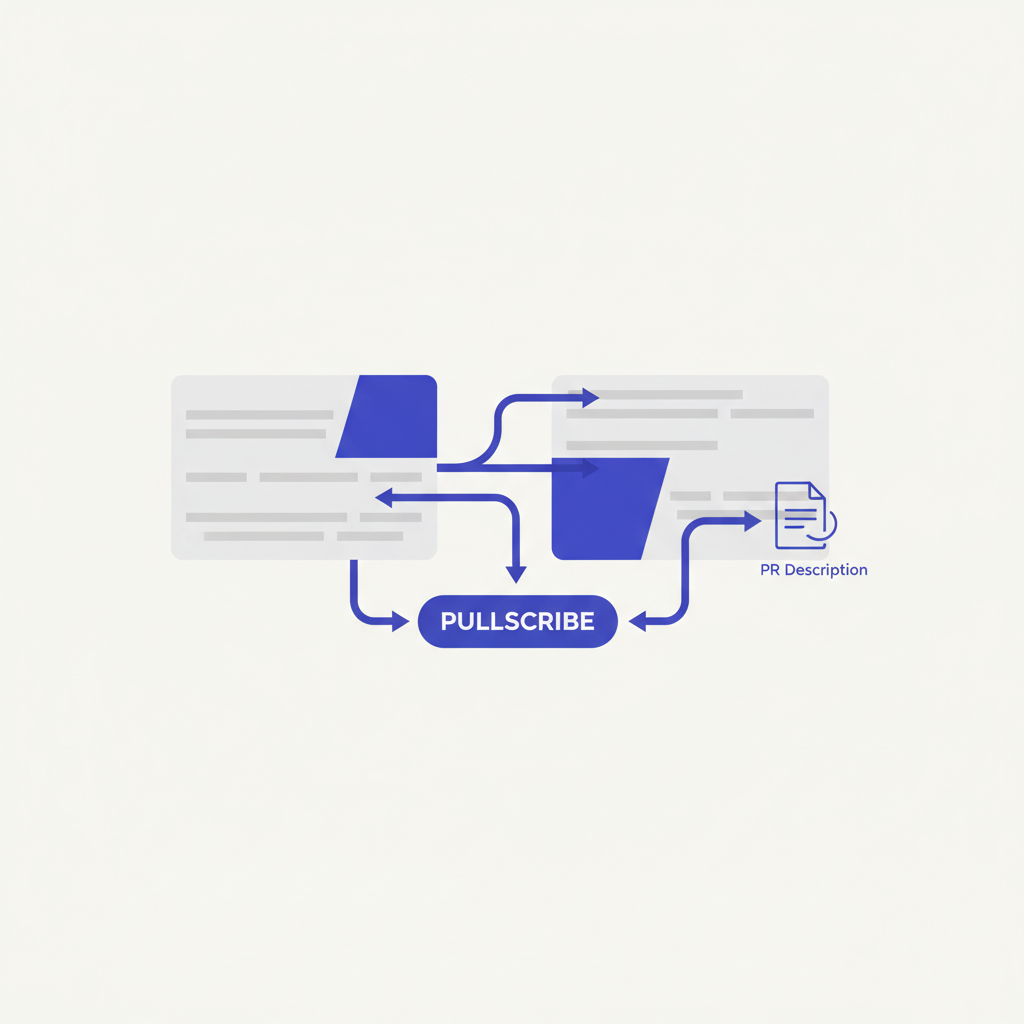
This is where Pullscribe comes in. It's designed to take the grunt work out of PR descriptions by auto-generating them from your diff, complete with a summary, a proposed test plan, and even potential risk callouts. This tutorial will walk you through leveraging Pullscribe specifically for your Ruby projects, helping you streamline your workflow and improve your team's review process.
Why Bother with Automated PR Descriptions?
Let's be honest: writing a good PR description takes effort. You have to recall all the changes, articulate the "why," consider edge cases, and think about how a reviewer might approach testing. Often, we default to a one-liner, leaving reviewers to dig through the diff blindly. This leads to:
- Slower Reviews: Reviewers spend more time understanding the context.
- Missed Bugs: Without a clear test plan, critical paths might not be thoroughly checked.
- Knowledge Silos: The intent behind changes isn't clearly documented.
- Developer Burnout: The mental overhead of writing descriptions adds to the daily grind.
Pullscribe aims to mitigate these issues by providing a solid starting point for every PR, allowing you to focus on the code itself.
How Pullscribe Works (The Basics)
At its core, Pullscribe is a diff analysis tool powered by AI. When you create a pull request, it examines the changes you've made across all relevant files in your repository. For Ruby projects, this means it's not just looking at .rb files; it understands the context provided by:
GemfileandGemfile.lock: For dependency changes.Rakefile: For new or modified Rake tasks.db/migrate/*.rb: For database schema changes.config/routes.rb: For new or altered routes in Rails applications.app/controllers/,app/models/,app/services/: For typical Ruby on Rails or other framework structures.
From this analysis, it generates:
- A concise summary: What does this PR do at a high level?
- A suggested test plan: How can a reviewer verify these changes?
- Identified risks/considerations: What are the potential side effects or areas of concern?
This output isn't meant to be the final word, but a robust draft that you can quickly review, refine, and augment with any specific domain knowledge.
Setting Up Pullscribe for Your Ruby Project
Getting Pullscribe integrated into your Ruby workflow is straightforward. The most common and effective way is through its GitHub App integration.
Prerequisites:
- A Ruby project hosted on GitHub.
- Admin access to install GitHub Apps on your repository or organization.
Integration Steps (Concrete Example 1):
- Install the Pullscribe GitHub App: Navigate to the Pullscribe website (or your GitHub organization's "Install GitHub Apps" page) and select the Pullscribe app.
- Grant Repository Access: You'll be prompted to choose which repositories Pullscribe can access. For a Ruby project, you'll typically grant it access to the specific repository you want to monitor.
- Why specific repositories? Pullscribe needs to read your diffs to generate descriptions. Granting access only to relevant repos ensures security and minimizes scope.
- No Code Changes Needed (Initially): Unlike some tools that require
gem installor modifying yourRakefile, Pullscribe operates externally as a GitHub App. It hooks into GitHub's PR events.
Once installed, Pullscribe will automatically start listening for new pull requests in the repositories you've granted it access to. There's no additional configuration file (.pullscribe.yml or similar) you need to add to your Ruby project's root for basic functionality. It's designed to work out-of-the-box by intelligently analyzing your code changes.
Writing Your First Ruby PR with Pullscribe
Let's walk through a typical scenario for a Ruby on Rails project.
-
Make Your Changes: You've been tasked with adding a new feature: allowing users to update their profile information via an API endpoint.
- You might modify
app/controllers/api/users_controller.rbto add anupdateaction. - You'll likely update
config/routes.rbto define thePATCH /api/users/:idroute. - Perhaps you've added a new validation to
app/models/user.rb. - You might even have a new test file in
spec/requests/api/users_spec.rb.
- You might modify
-
Commit and Push: Stage your changes (
git add .) and commit them with a descriptive message (git commit -m "feat: Add API endpoint for user profile updates"). Then, push your branch to GitHub (git push origin feature/user-profile-update). -
Create a Pull Request: Go to your GitHub repository and create a new pull request from your feature branch to your base branch (e.g.,
main).
Pullscribe in Action (Concrete Example 2):
As soon as you open the pull request, Pullscribe will get to work. Within moments, you'll see its generated description populate the PR description box. Let's imagine your changes involved:
- Adding a
PATCH /api/users/:idroute. - Implementing an
updateaction inApi::UsersControllerthat usesUser.find(params[:id])anduser.update(user_params). - Adding a
before_action :authenticate_user!to the controller. - Adding a
validates :email, presence: true, uniqueness: trueto theUsermodel.
Based on these changes, Pullscribe might generate something like this:
```markdown
Summary
This PR introduces an API endpoint for updating user profile information. A PATCH /api/users/:id route has been added, allowing authenticated users to update their own details. The User model now includes validation for email presence and uniqueness.
Test Plan
- API Test:
- Send a
PATCHrequest to/api/users/:idwith valid user data (e.g., new email, name) while authenticated as that user. Verify the user's profile is updated correctly in the database and the API returns a 200 OK. - Attempt to update another user's profile. Verify a 403 Forbidden or similar authorization error is returned.
- Send a
PATCHrequest with invalid data (e.g., a duplicate email). Verify a 422 Unprocessable Entity is returned with appropriate error messages. - Attempt to update a non-existent user. Verify a 4
- Send a