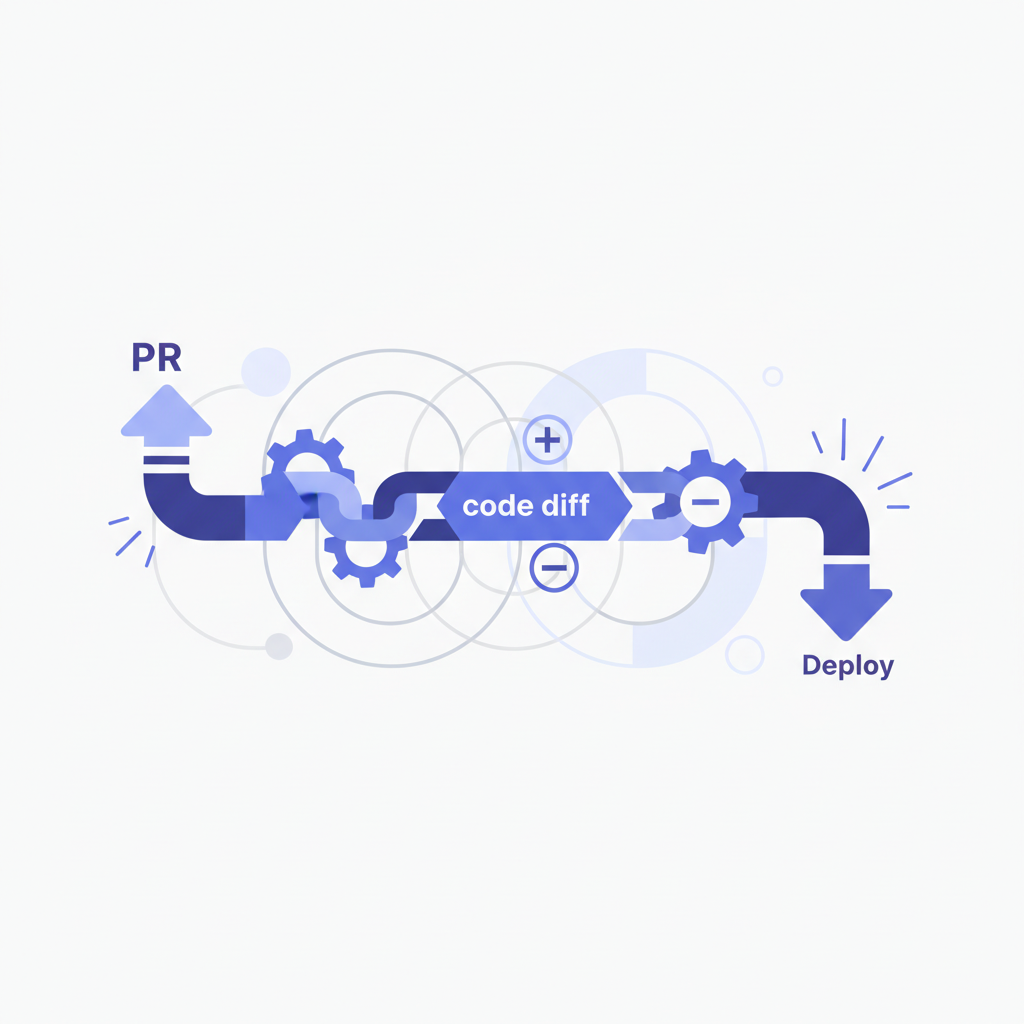
Linking Your PR to Your Deploy: Automated Clarity in Your Workflow
As engineers, we live in a world of constant change. Features are built, bugs are fixed, and code is merged. But the journey doesn't end when a pull request (PR) is approved and merged into main. The real impact happens when that code is deployed to an environment where users can interact with it – be it staging, production, or a dedicated review app. The challenge often lies in connecting these two critical points: the PR that introduced the change, and the live deployment that reflects it.
The Problem: The Disconnect Between Code and Production
Imagine this scenario: an incident occurs in production. A critical service is failing. Your first task is often to identify what changed recently. You scramble through recent deploys, then try to map those deploys back to the PRs that contained the changes. This manual detective work is tedious, error-prone, and wastes precious time during an outage.
Or perhaps a product manager asks, "Is feature X live yet?" You know you merged the PR for it, but you're not sure which deployment it was part of, or if that deployment has reached the desired environment. Again, you're left digging through CI/CD logs, deployment dashboards, and commit histories.
The absence of a clear, automated link between a PR and its subsequent deployments leads to: * Slow Incident Response: Delays in identifying the root cause of issues. * Poor Traceability: Difficulty in auditing what code corresponds to which live version. * Reduced Transparency: Lack of